
Start with the shirt and who will wear it
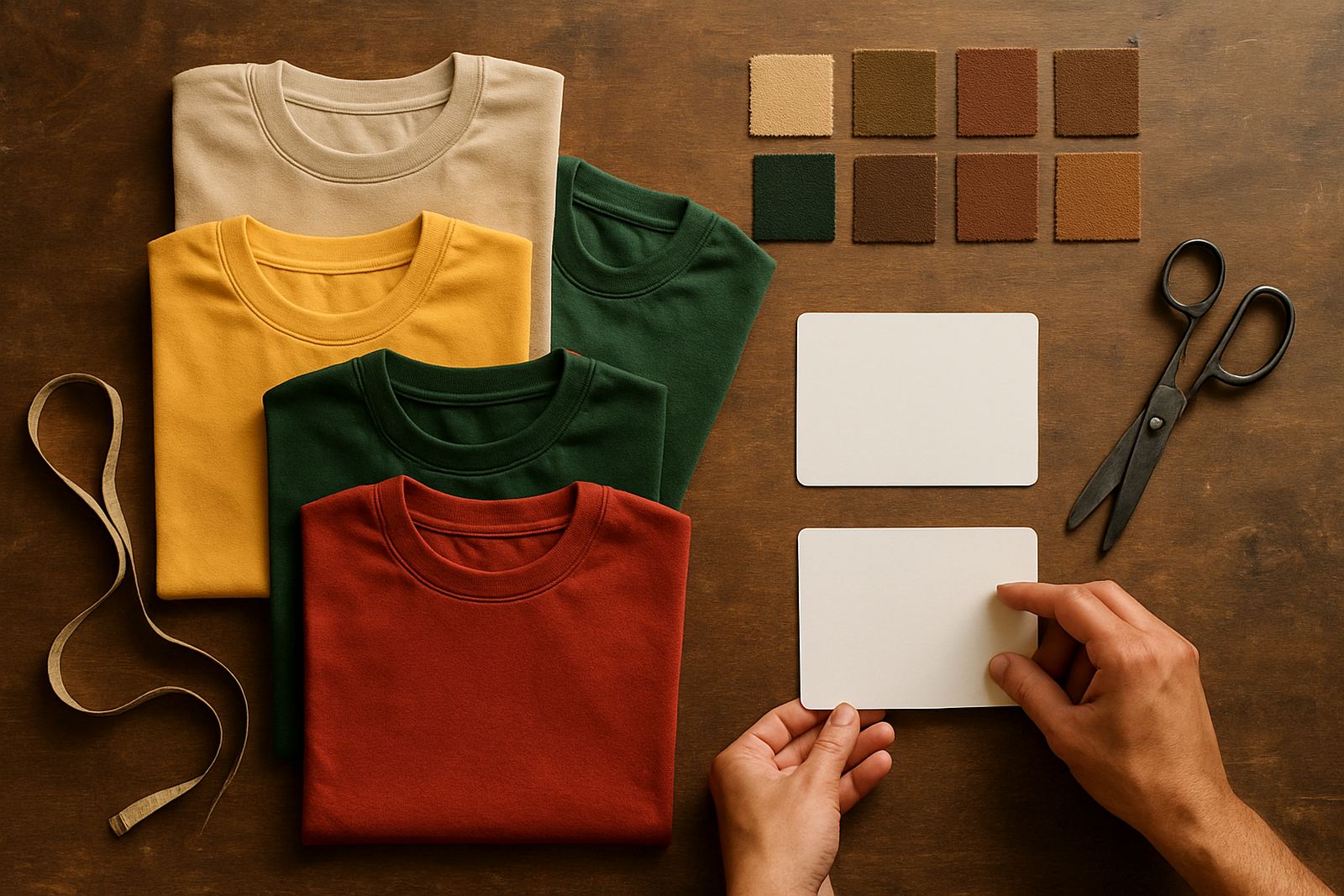
Before you talk print methods, decide what the shirts must do. A promo shirt for an open day in Benoni needs a different feel to a warehouse shirt worn every week in Boksburg or Germiston. Cotton gives a softer hand feel and works well for general wear, while polycotton often keeps its shape better after regular washing. If the job is for outdoor work in Gauteng heat, think about breathability and how the shirt sits under overalls or hi-vis gear.
Fit matters just as much as fabric. A tight cut can pull on the print area, while an oversized shirt can make a logo sit too low or too small. Ask who gets what size, and whether the shirts are for men, ladies or mixed staff. If you are printing for a site team, include a few extra large sizes and a small batch of spares for new starters or replacements.
- Check the garment colour against your logo colours
- Confirm unisex, ladies or mens fit before artwork is set up
- Ask how often the shirts will be washed
- Allow spares for breakages, new staff and size swaps
Measure the print area before you approve artwork
The print area controls what can fit on the shirt without crowding. A left chest mark is usually neat for uniforms and name placement, while a larger front print suits events, product launches and club shirts. Back prints are useful where the shirt must be seen from a distance, such as delivery crews, marshals or support staff at a venue.
Good artwork is not only about size, it is also about placement. A logo can look fine on a screen and still sit too close to the collar or side seam once printed. Keep clear space around the artwork so lettering stays readable. If the shirt has a pocket, seam or shaped panel, the print position must work around it. That is why a proper layout check matters before production starts.
- Left chest: ideal for names, small logos and staff identification
- Centre front: best for bold branding and event shirts
- Back print: useful for large wording, web addresses or slogans
- Sleeve print: suited to small marks, departments or sponsor detail
Choose the right print style for the job
Different jobs call for different print styles. A simple one-colour logo on a run of work shirts is not the same as a multi-colour print for a marketing campaign. If the artwork is crisp and there are larger solid areas, silkscreen printing often gives a strong finish for repeated use. If you need names, short runs or changing details, a different setup may be more suitable. The key is matching the method to the order quantity and the artwork itself.
Ask whether the print must stretch, wash well or stay visible on darker fabric. Dark shirts often need extra planning because light colours need a stronger base to show clearly. Fine lines, very small text and thin fonts can disappear if they are pushed too small. Keep the design practical and you avoid problems later. For load-shedding affected schedules, it also helps to finalise approvals early so production can be planned around power windows.
- Simple logos and larger wording work best when kept bold
- Avoid tiny text if the shirts will be worn outdoors
- Use one or two print positions if the budget must stay tight
- Confirm if each size needs the same print placement
Plan quantities with size runs and spares in mind
Quantity planning saves time and money. Many businesses only count the staff on the list, then forget new appointments, damaged shirts and the odd size exchange. A smart order includes a size run that suits the actual people wearing the shirts. If the order is for a branch team in Alberton or Springs, ask each supervisor for sizes first rather than guessing.
It also helps to think about future use. If the shirts are for a campaign that may continue over a few months, keep a few extra garments aside. That way you can top up later without redesigning the whole run. For larger orders, separate the total into wearers, spares and replacements. This makes delivery easier and helps when stock is issued across more than one site.
- Count wearers, then add spares for size swaps
- Include a few extras for new staff and replacements
- Split quantities by branch if stock will be issued in stages
- Confirm whether all sizes are available in the same garment range
Set up artwork so it prints cleanly first time
Artwork setup is where many orders are won or lost. A low-resolution file, missing font, or poor colour choice can delay the job. Send clean artwork where possible and make sure spelling is checked. If names, departments or numbers are changing, list them clearly in a table. That helps avoid mix-ups when the order includes several teams or locations.
Keep your copy short and readable. On a T-shirt, a few strong words usually perform better than long sentences. If you need a larger message on the back, keep the main line bold and use smaller text only for details such as a department or event date. We also recommend checking the proof against the actual garment colour before production starts, because what looks strong on white may not stand out on navy or black.
- Send text exactly as it must appear, including spelling and capitals
- Keep logos clear and not stretched or compressed
- Ask for a proof before any bulk run begins
- Check that every name, number and department is correct
Think about wear, wash and the local job site
In Gauteng, T-shirts take a proper beating. Staff move between offices, workshops, yards and vehicles, and a shirt can be worn in heat, dust and regular washing. If the shirts are for a coastal or humid area, or for jobs that involve outdoor work, pick a garment and print combination that can handle repeated use. If they will be worn under safety gear, the cut should not bunch up around the print area.
For businesses that need uniforms across several sites, it helps to keep the order practical and easy to issue. A clean print, a sensible garment colour and a clear size list make stock control far simpler. It also helps when your team needs to look consistent at a client meeting, a site visit or a trade counter. The shirt should do the job without fuss, and the print should still look right after many washes.
Use this final checklist before you place the order: garment type confirmed, sizes counted, artwork signed off, print positions agreed, spares allowed for and delivery address checked. If those items are in place, the order is far less likely to come back with problems.